

Gigabyte X870E EAGLE WIFI7 AMD AM5 DDR5 ATX Motherboard
Gigabyte X870E EAGLE WIFI7 AMD AM5 DDR5 ATX Motherboard
Low stock: 1 left
People are watching right now.
Paylater is only available for transactions upto ₹ 2000.
Couldn't load pickup availability
Pick up from Micro Center India
Same-day order before 1:30 PM
Courier Delivery
Delivered to your specified address


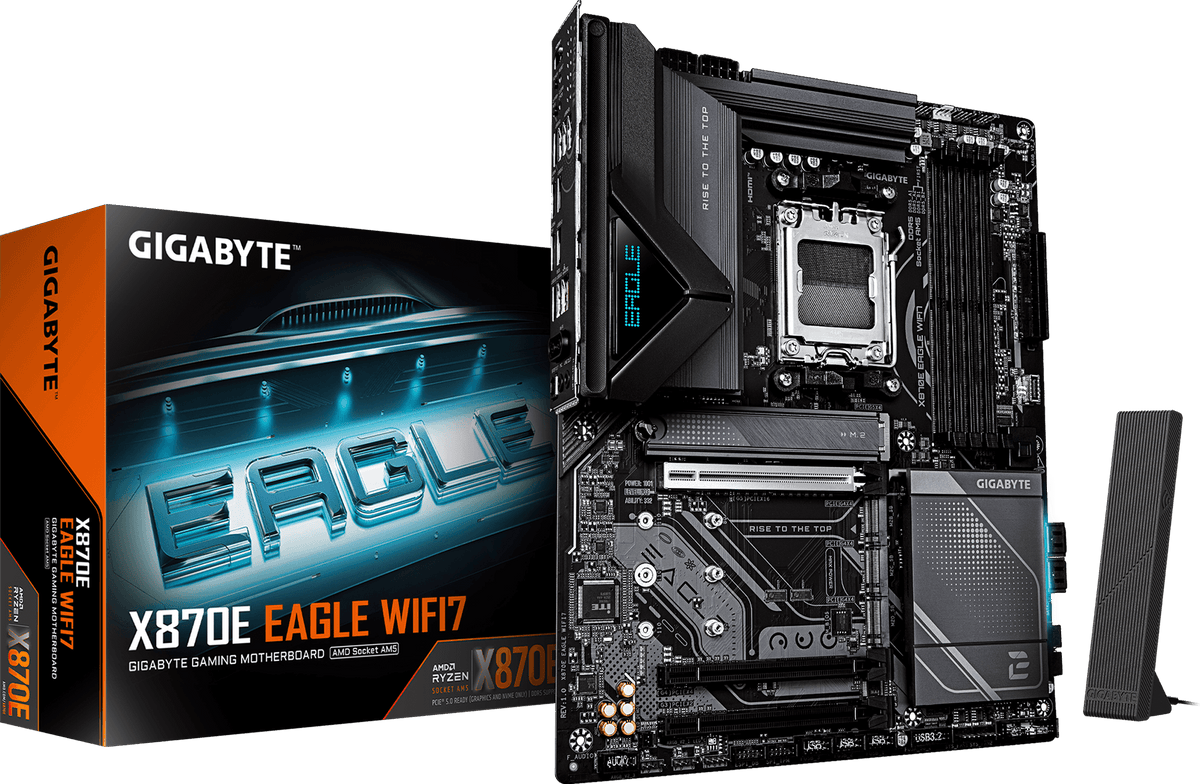
The dual chipset X870E board in Gigabyte's EAGLE line. Two USB4 Type-C ports at 40Gbps with DisplayPort Alt Mode, 5 Gigabit LAN, Wi-Fi 7, a 16+2+2 phase VRM on 60A DrMOS, and four M.2 slots. Realtek ALC1220 handles audio. Built for AM5 systems that want heavy storage and modern external connectivity rather than a second graphics card.
Before you buy
Only one of the four M.2 slots is PCIe 5.0. M2A_CPU is Gen5 x4. The other three are all Gen4 x4. On an X870E board buyers routinely assume multiple Gen5 storage slots, and that is not what this is.
The fourth M.2 slot and the PCIEX4 slot share bandwidth. Populate M2D_SB and you lose the x4 expansion slot, and the reverse also applies. This matters if you plan four SSDs plus a capture card or an HBA.
X870E's real advantage over X870 here is USB4, LAN and VRM, not extra Gen5 lanes. The second chipset die brings the dual 40Gbps USB4 Type-C ports, 5 Gigabit LAN and the larger 16+2+2 VRM. It does not bring more PCIe 5.0 storage.
5GbE needs a 5 Gigabit capable switch. This is not a 10 Gigabit port and it will fall back to 2.5 Gigabit or slower on ordinary networking gear.
Model naming in this family is confusing. Gigabyte also sells an X870 EAGLE WIFI7 with a single chipset, a 14+2+2 VRM and 2.5GbE, and an X870E EAGLE X3D WIFI7. These are three different boards. Confirm the exact model on the carton before you buy.
In the box
Motherboard, SATA cables, Wi-Fi antenna, user manual, driver media.
